Automated Project Library Backups
Reliable scheduled and manual backups for DaVinci Resolve Project Server libraries.
Project library backup for DaVinci Resolve teams
Automated, reliable backups for DaVinci Resolve Project Libraries. Built for studios, post-production teams and technical supervisors.
Built for professional DaVinci Resolve environments.
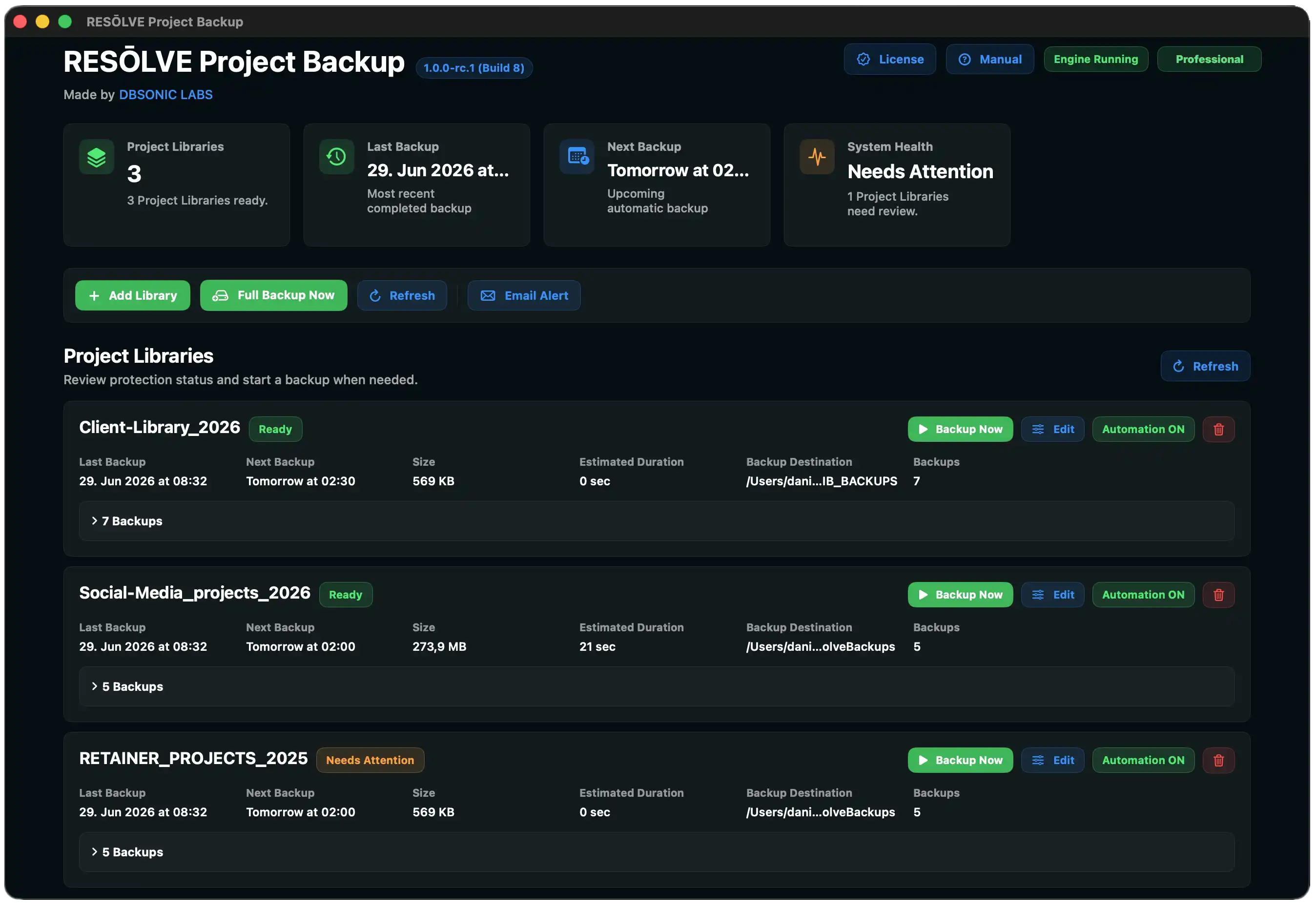
Reliable scheduled and manual backups for DaVinci Resolve Project Server libraries.
A focused SwiftUI app with dashboard, diagnostics and Finder integration.
Detects Project Server Database, Backup Tools, Folder Access and configuration issues.
Start free with one backup per week. Upgrade to Professional for unlimited backups.
Perfect for evaluation and small personal projects.
One-time purchase. No subscription. Includes all Version 1.x updates.
Download the Free Version for evaluation. Upgrade to Professional for unlimited scheduled protection, offline licensing and Version 1.x updates included.
Product support
Get product-specific help based on manuals, diagnostics, troubleshooting guides and release notes.
Coming Soon
Planned after Version 1.0 as part of the DBSONIC LABS Core platform.
A compact portfolio for editors, colorists, assistants and technical supervisors.
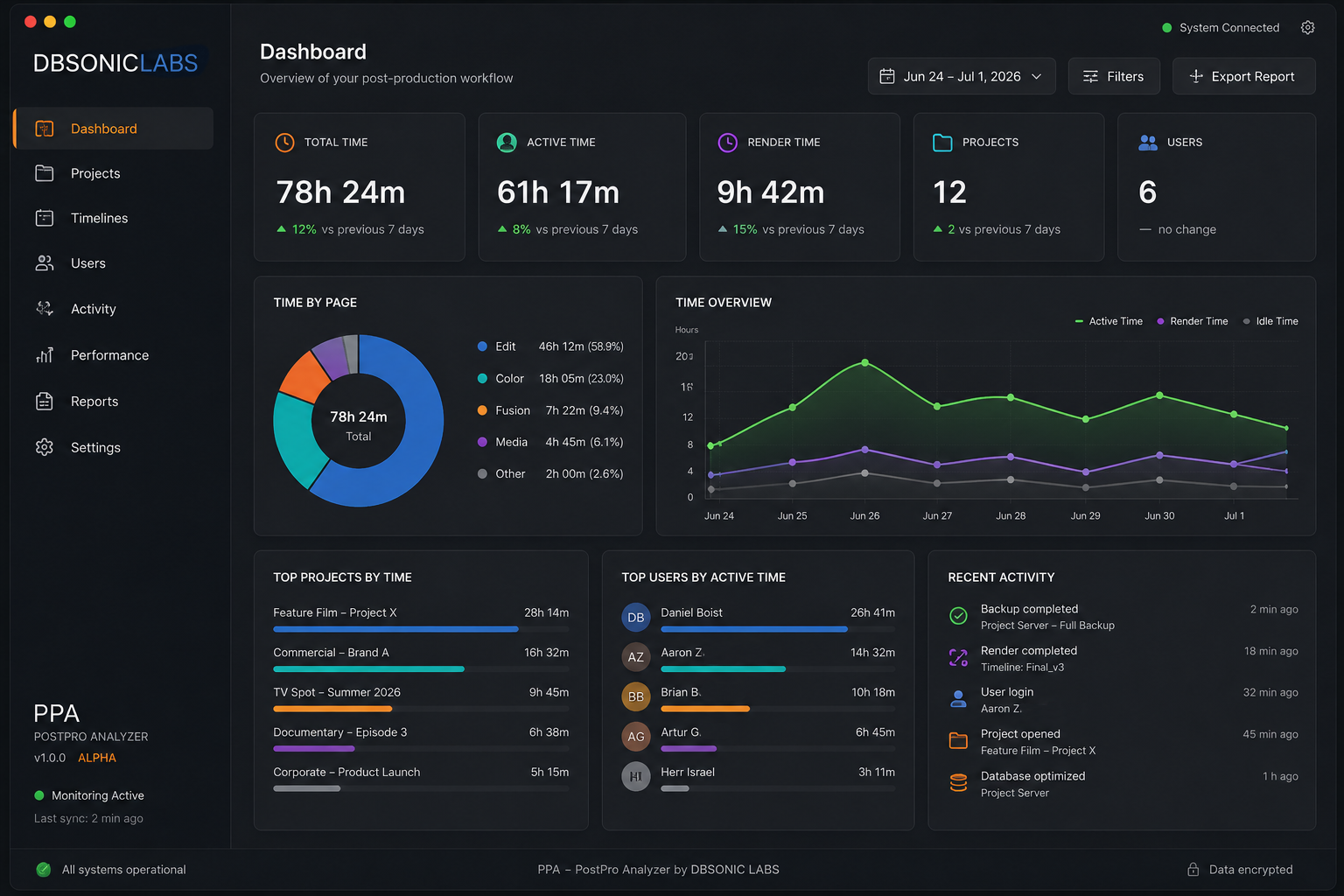
Operational intelligence across major content-creation apps: understand where time goes, optimize profitability and bill with confidence.
Project backup workflows for DaVinci Resolve environments, designed for predictable handoffs and recovery confidence.
AI-assisted video accessibility with transcription, visual description and natural voiceovers.
Yes. Version 1.0 is focused on DaVinci Resolve Project Server libraries. Local Disk Database backup is planned for a future version.
Not in Version 1.0. Local Disk Database backup is planned for Version 1.1.
In Version 1.0, scheduled backups require the app to be running.
Yes. The Free Version allows one successful backup every seven days.
Professional licenses are offline license files bound to one Mac. Version 1.x updates are included.
No. RESŌLVE Project Backup Professional is a one-time purchase. All Version 1.x updates are included.
No. Download the Free Version and unlock Professional after purchase.
Yes. The Professional license is an offline, machine-bound license file.
RESŌLVE Project Backup runs entirely locally on your Mac. No internet connection is required for backup operations or offline licensing. The app does not send project data, library information, diagnostics, machine data or usage data to DBSONIC LABS or any third party. No calling home.
RESŌLVE Project Backup is currently available for macOS only.
No. RESŌLVE Project Backup is currently a native macOS application. A Windows version is not planned for Version 1.0.
One-time purchase · No subscription · Version 1.x updates included